
Shadow AI is the use of AI tools by employees for work without their organization's knowledge, approval, or clear rules. It can be a personal ChatGPT account, an AI meeting assistant, a browser extension, or a feature inside software your business already uses.
The problem is not that employees are using AI. They may be saving time on drafts, summaries, research, or repetitive admin. The problem is that leaders often cannot see which tools are in use, what information is going into them, or whether the results are being checked.
That visibility gap is what makes shadow AI a business problem, not just an IT problem. Technology matters, but so do everyday habits, unclear expectations, and the distance between legal, accounting, IT, and the people doing the work.
Shadow AI meaning: useful tools, invisible use
"Shadow AI" describes AI use that sits outside an organization's agreed process. The tool itself is not automatically unsafe. A company-approved AI service can be used irresponsibly, while an unapproved tool may be handling nothing more sensitive than a public marketing draft. What matters is who is using it, for what purpose, with what information, and under which rules.
That can be hard to spot because AI use is often woven into ordinary work. Someone may ask a chatbot to tidy a customer email. A colleague may use a meeting assistant to create notes. Another may paste a spreadsheet into a free tool to find patterns. Or the AI may be a newly added feature in a familiar application.
The first signal is often one of the seven No's:
- No idea: You do not know which tools your people use or how.
- No policy: There are no clear, written AI rules.
- No answer: You cannot explain your AI use to a client, insurer, or buyer.
- No plan: You know AI matters, but not where it belongs.
- No confidence: Some people use it freely; others are unsure what is allowed.
- No safety: No one has clarified what information must stay out.
- No strategy: Individual time savings are not adding up to a deliberate business result.
These are practical signs of a visibility and decision-making gap. A technology purchase alone will not resolve them.
Why shadow AI is already in your business
Employees rarely start using AI to create a governance problem. They are trying to get work done. A tool can be quick to try, may already be in a personal account, and can help with a task that feels routine.
The scale of personal-tool use makes it worth asking rather than assuming. 78% of people who use AI at work bring their own AI tools. Microsoft and LinkedIn, 2024. (Work Trend Index)
That does not mean nearly four out of five people at your organization are using unapproved AI. It does mean informal use is common enough that a leader should check. Start with how people actually work, not with an assumption that your software list tells the whole story.
Shadow AI risks are about information and decisions
The risk depends on what people put into a tool and what they do with its answer. A draft based on public information is different from a prompt containing client records, employee details, financial data, passwords, or a confidential contract.
Common shadow AI risks include:
- Information exposure: Staff may submit confidential, personal, or sensitive business information to a service that has not been reviewed for that use.
- Unreliable output: An AI tool can produce a confident but incorrect answer. If no one checks it, a mistake can reach a customer, a report, or a decision.
- Unclear responsibility: When AI contributes to a decision or deliverable, people may not know who needs to verify the result.
- Poor visibility: A manager may not know what tools are being used, what tasks they support, or whether the use fits the organization's goals.
IBM reports a material cost difference tied to high unapproved AI use: $670,000 more per data breach, on average, where unapproved AI use is high. IBM, Cost of a Data Breach 2025. (Report) The practical point is not to panic or purchase a security product. It is to learn where AI is already in the workflow and make sensible rules around it.
| Risk | What it looks like day to day | What it costs you |
|---|---|---|
| Information exposure | Client records or employee details pasted into a free chatbot | Privacy incidents, lost client trust |
| Unreliable output | A confident wrong number copied into a quote or report | Rework, damaged credibility |
| Unclear responsibility | Nobody checks the AI's answer before it ships | Errors that reach customers |
| Poor visibility | Leadership cannot name the AI tools in use | No way to manage what you cannot see |
How to find shadow AI without buying a tool
Start with people and records you already have. Make clear that the purpose is to make useful AI safer and easier to use, not to catch or punish employees.
- Ask staff what they use. Use a short, plain-language survey and follow-up conversations. Ask which tools they use, for what tasks, whether they use a personal or work account, and what information they enter. Include chatbots, transcription tools, browser add-ons, and AI features inside existing software.
- Check expenses and purchasing records. Look for AI subscriptions, unfamiliar software vendors, and reimbursements for individual accounts. A free tool will not appear here, so treat this as one clue, not a complete inventory.
- Review browser extensions and the apps people already use. With appropriate access and notice, check managed-browser extension lists and the AI features available in workplace software. Ask department leads what tools are part of their team's daily process.
- Discuss what leaves the building. Walk through real examples: What does a person paste, upload, record, or connect to the tool? Where does that information come from? Who reviews the result before it is shared or used?
- Write down what you learn. Make a simple list of the tool, the task, the team, the type of information involved, and whether the use is approved. Note questions that need an owner or follow-up.
This is a first-pass inventory, not a technical audit. It helps leaders see where to focus before selecting tools or setting restrictions. For a useful starting point, map actual behavior, not just software names.
Is ChatGPT safe to use at work?
It depends on the account, the information being entered, the task, and your organization's rules. "Is ChatGPT confidential?" is not a question with one answer for every plan and situation.
Russell Fugett hears a simpler question in most of his advising conversations: can I trust it? He talked with one business owner whose family member had been caught using AI to cheat in high school a few years earlier and was severely penalized by the school. From that day forward, the owner saw AI through that single failure. So the first work was not a policy or a tool list. It was reframing the question: where can AI create real value for this business, and where is it safe to start? Trust is lost in one visible incident, and it is rebuilt one safe, supervised use at a time.
OpenAI says that chats in consumer ChatGPT may be used to improve its models, with a setting that lets users turn off that use for new conversations. OpenAI says business products such as ChatGPT Business and Enterprise, and API data, are not used to train models by default. See OpenAI's explanation of how data is used and its business data privacy overview.
That distinction matters, but "not used for training by default" is not the same as an absolute promise of confidentiality. Before approving any service, check the plan and its current terms, settings, retention options, access controls, and the type of information your team plans to enter. Do the same for every AI service, not just ChatGPT.
A practical starting rule: use approved tools for approved tasks, keep sensitive information out unless that use has been explicitly reviewed, and have a person check important outputs. For an HR decision, a customer commitment, or a financial conclusion, a chatbot's answer is not a substitute for responsible human review.
What a workable AI usage policy must cover
An AI usage policy should be clear enough that an employee can use it while doing the work. It does not need to start as legal boilerplate. A useful ai usage policy should explain:
- Which tools and account types are approved, and how to request another.
- What information employees may not enter into unapproved tools.
- Which tasks are allowed, restricted, or off limits.
- Who is responsible for checking accuracy, bias, and suitability before using or sharing AI output.
- What to do if someone enters sensitive information by mistake or spots a problem.
- Who owns the policy and when the approved-tool list and rules will be reviewed.
A policy that only says "use AI responsibly" leaves people to guess. Pair the rules with examples from your own work: a public-facing draft may be acceptable in an approved tool; a file containing client records may not be.
The rules are tightening
The regulatory landscape is changing, though not every law applies to every organization or use. For businesses with employees using AI, training and clarity are sensible preparation.
- EU, February 2025: The AI Act's Article 4 began applying. It requires providers and deployers to take measures to support AI literacy for staff and others operating or using AI on their behalf, with measures suited to the person and context. The European Commission explains the AI literacy requirement.
- South Korea, January 2026: The national AI Basic Act and its enforcement decree took effect. The Ministry of Science and ICT describes a broad framework, with a grace period of at least one year for many enforcement actions. See the Ministry's announcement.
- Maryland, September 2026: Governor Wes Moore outlined an AI framework focused on protecting people, centering workers, and keeping children safe. The announcement is a framework and agenda, not a general new law taking effect that day. Read the Maryland announcement.
- Colorado and New York, January 2027: Colorado's revised automated-decision-making law concerns certain consequential decisions about individuals. New York's RAISE Act focuses on frontier AI developers, not ordinary businesses simply using ChatGPT. Check the Colorado Attorney General's AI information and the New York RAISE Act for scope.
The details matter. A business using AI to draft routine text is not automatically in the same position as an organization using AI to influence consequential decisions or a developer building a frontier model. If you think a particular law applies, get advice specific to your organization.
Make AI visible, then make it workable
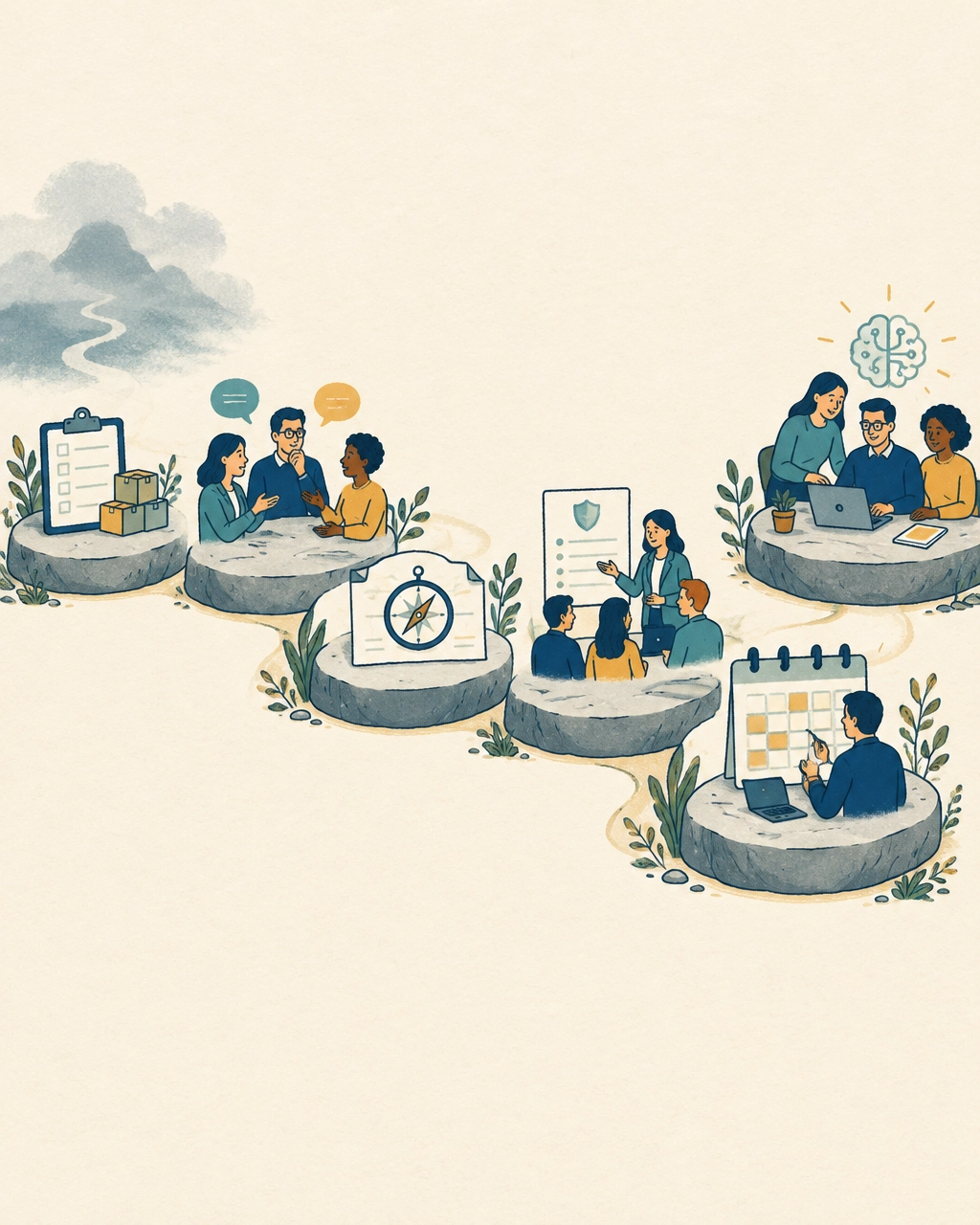
The way we approach this at Fugett Labs is with the READY Path:
- Reveal every AI tool in use and how it is being used.
- Engage staff through a survey and conversations.
- Align each use with the organization's strategy and risk.
- Develop clear rules, an approved-tools list, and practical training.
- Year-round review the guidance as tools and workflows change.
Reveal comes first because leaders cannot make good decisions about use they cannot see. The point is not to ban everything or chase every new product. It is to understand what is already happening, decide what should continue, and give people a safe route to use AI well. That is the work behind our AI Ready Business Sprint, a 30-day program to put clear rules, approved tools, and training in place.
This article provides operational guidance, not legal advice, a certification, or a security audit. Where legal review is needed, we work alongside your attorney.