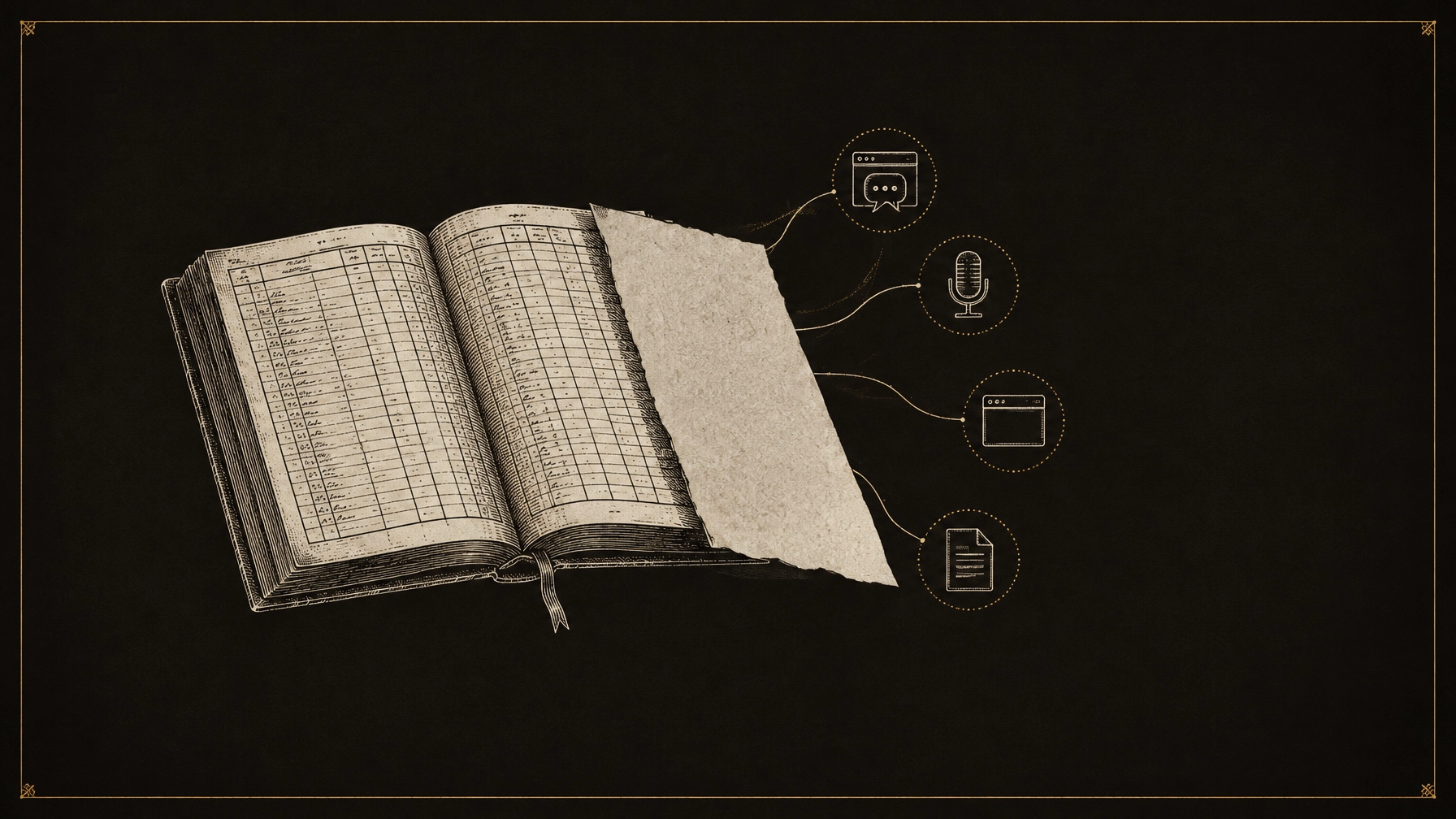
Shadow AI is AI people use for work outside the tools or rules their employer has approved. The risk is not just an employee opening a chatbot. It is work information going somewhere you cannot see, check, or manage. This post covers specific shadow AI examples and risks, not another definition of the term.
You do not need to assume your employees are careless. They may be trying to clear an inbox, summarize a call, or finish a task on time. The practical question is whether they know which tools are approved and what information is safe to use with them.
Why are shadow AI risks easy to miss?
AI use often happens inside ordinary work: drafting an email, reviewing a spreadsheet, taking meeting notes, or checking code. A manager may see the finished work without knowing which tool helped produce it or what information went into that tool.
The pattern is widespread. 4 in 5 people who use AI at work bring their own tools. Microsoft and LinkedIn, 2024. Salesforce reported that 55% of generative AI users at work had used unapproved tools. Those figures do not prove that every use caused harm. They do show why a policy alone may not reveal what is happening day to day.
Cisco's 2025 Data Privacy Benchmark Study found that 46% of respondents reported employee names or information had been entered into GenAI applications at their organization. The immediate step is not to blame the person who entered it. Find out what happened, what information was involved, and what guidance would have helped.
Which nine shadow AI examples should you look for?
| Example | Where the risk starts | A practical first guardrail |
|---|---|---|
| 1. Personal chatbot for client emails | Client details or draft messages go to an unapproved account | Set an approved tool and rules for client information |
| 2. Contracts, financials, or customer records pasted into a chatbot | Sensitive work information leaves your managed systems | Define which data must stay out of public AI tools |
| 3. AI notetaker joins a client call without notice | A third party may receive meeting audio or notes | Agree on when recording or AI note-taking is allowed |
| 4. Free transcription tool used on a recorded call | Recordings and transcripts may be stored outside your control | Use a reviewed transcription option and check consent needs |
| 5. Browser extension reads an inbox | Messages may be accessed to summarize or draft replies | Review permissions before approving extensions |
| 6. AI features inside existing software are switched on | Data may be processed in a new way without a clear decision | Check settings and vendor terms before enabling features |
| 7. Coding assistant receives proprietary code | Trade secrets or security details may be exposed | Approve coding tools and define what code can be shared |
| 8. AI drafts performance reviews or HR decisions | Private employee information enters a decision | Keep a trained person accountable for HR judgments |
| 9. AI-generated work ships without review | Errors, invented details, or unsuitable language reach a customer | Require a named human reviewer before use |
- A personal chatbot drafts a client email. An account manager copies a customer's request into a personal ChatGPT account and asks for a polished reply. The convenience is clear. The concern is that the prompt could include names, account details, or confidential plans. Give staff a company-approved option and examples of information they should not enter into an unapproved tool.
- A contract or financial file goes into a chatbot. Someone asks AI to summarize a contract, explain a budget variance, or compare customer records. A 150-person accounting firm might see this as a fast first pass. But client financials and contract terms deserve clear handling rules. Start by identifying which work files can be used with approved tools, and which should stay out.
- A meeting notetaker joins a client call without notice. An employee installs a meeting assistant and it appears in a client call. The tool may record or process the conversation. A client may not expect that. Set a simple rule for when AI note-taking is allowed and how participants are told.
- A free transcription tool processes a recorded call. A staff member uses a separate service to turn audio into text, then pastes the transcript into another AI tool for a summary. The risk is not limited to the final summary. The recording and transcript may also contain customer names, internal plans, or personal information.
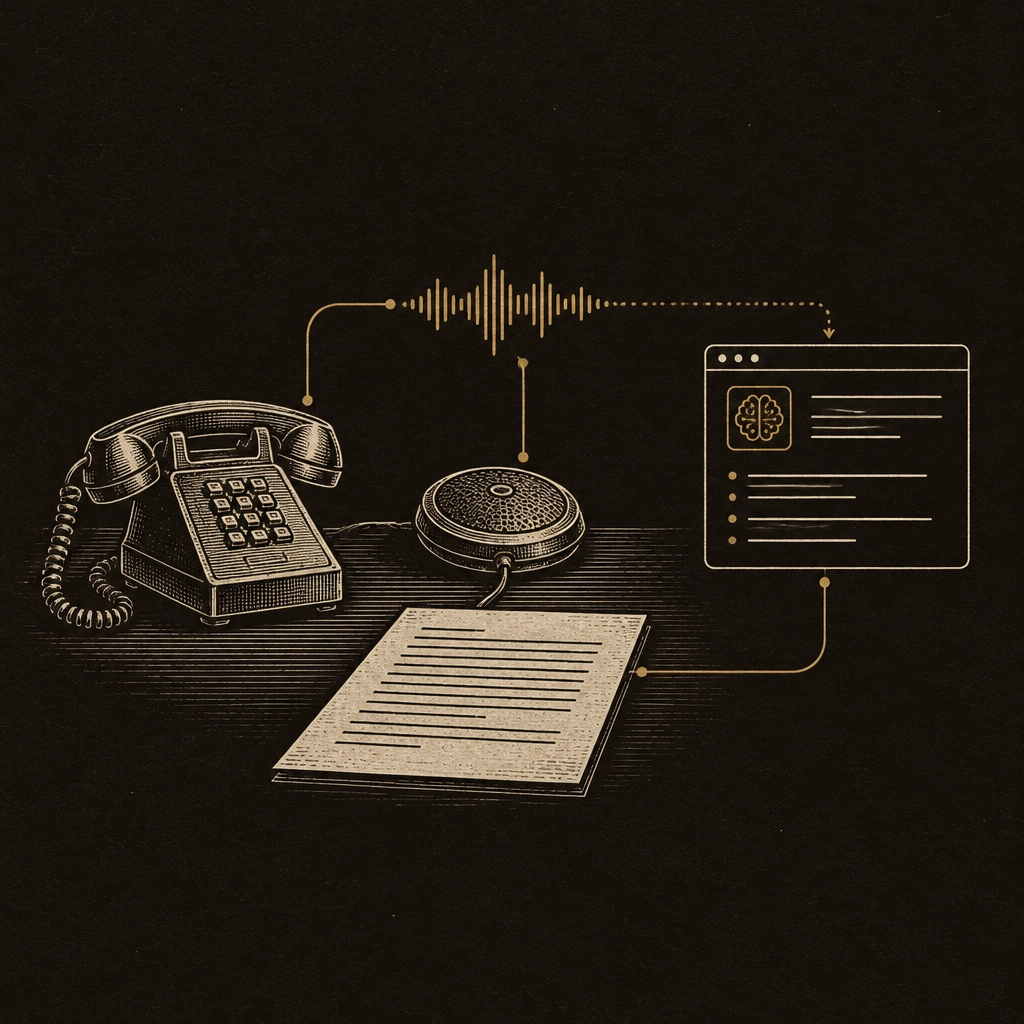
- A browser extension can read inbox messages. Some extensions ask for permission to access web pages or email so they can summarize content or draft replies. That permission may reach beyond the one message an employee wanted help with. Ask staff to check what an extension can access before installing it.
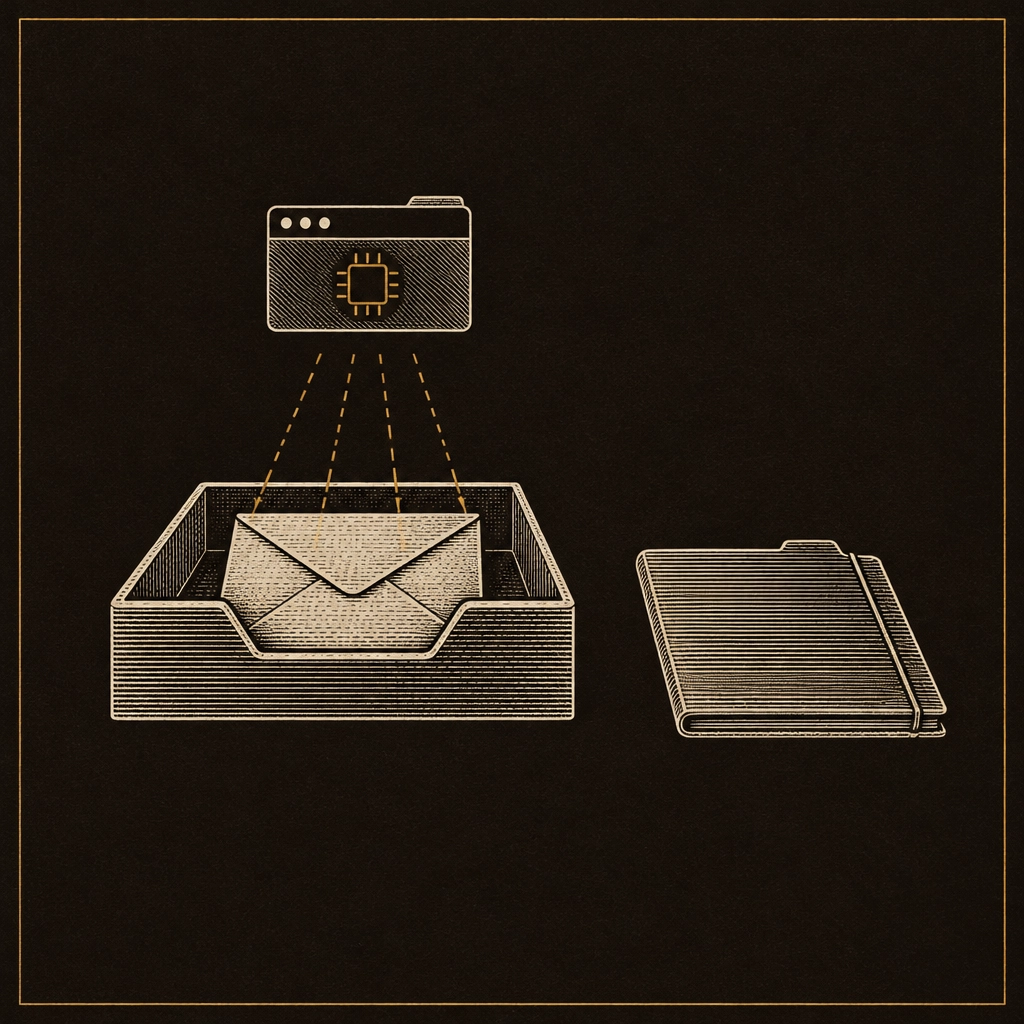
- An AI feature is quietly enabled inside software you already use. Your CRM may offer AI summaries. Your office or collaboration software may add AI drafting or meeting features. These are not automatically unsafe, but existing software does not make a new feature automatically approved. Check who can turn it on, what information it can use, and whether your settings match your expectations.
- A coding assistant receives proprietary code. In 2023, three Samsung employees entered confidential source code and meeting notes into ChatGPT. Samsung later banned generative AI on company devices, according to CIO Dive's reporting. This is a documented company incident, not a hypothetical warning. If your team writes software, approve coding tools and set specific rules for sharing source code.
- AI drafts a performance review or influences an HR decision. A manager may ask a chatbot to rewrite feedback or rank applicants. That can bring private employee information into a tool that has not been reviewed for the task. It can also make a weak or biased judgment sound confident. Keep a qualified person responsible for employment decisions, and do not enter confidential employee information into unapproved tools.
- AI-generated work reaches a customer without a human check. A draft proposal, policy answer, or customer response can contain a false claim or miss an important detail. This risk does not require a data leak. Set a clear review step for AI-assisted work that affects customers, employees, money, or safety.
What is a proportionate response to these examples?
Organizations with high levels of shadow AI spent $670,000 more on the average data breach than those with low or no shadow AI. IBM, Cost of a Data Breach 2025. That is a reported difference, not a prediction that every use of AI will lead to a breach. It is a reason to improve visibility and basic controls.
A 60-person logistics company might start by asking dispatch, customer service, and finance which AI tools they use and for what tasks. A 300-person manufacturer may also need to look at software settings and coding workflows. The right first step depends on how your people actually work.
The READY Path gives you a practical sequence: Reveal the tools and uses; Engage staff through a survey and conversations; Align use with business goals and risk; Develop policy, an approved tools list, and training; then review through Year-round guidance. This helps address the seven No's: no idea, no policy, no answer, no plan, no confidence, no safety, and no strategy.
Fugett Labs is the part in between your attorney's legal advice, your accountant's financial controls, and your IT company's technology work. We focus on how your team uses AI every day. (Learn more about Fugett Labs.)
Which shadow AI example shows up most in practice?
The one that comes up again and again in consulting conversations is meeting recording and note-taking tools. Ask a leader about AI and they name ChatGPT, Claude, or Gemini. Almost nobody thinks of the recorder sitting on the conference table.
Sometimes the team is using the company-approved recording tool, and that is fine. Often someone has installed their own, because it was free and it worked. The meeting audio and the notes that come out of it carry client details, staffing conversations, and figures that were never meant to leave the room. Nobody approved it, nobody is tracking where it goes, and the leader has no way to know it is happening.
So the first question to put to a leadership team is not about chatbots. It is: which tools are already recording your meetings, and who approved them? The answer is usually silence, and that silence is the most useful thing in the room.
This article provides operational guidance, not legal advice, a certification, or a security audit. Where legal review is needed, we work alongside your attorney.